
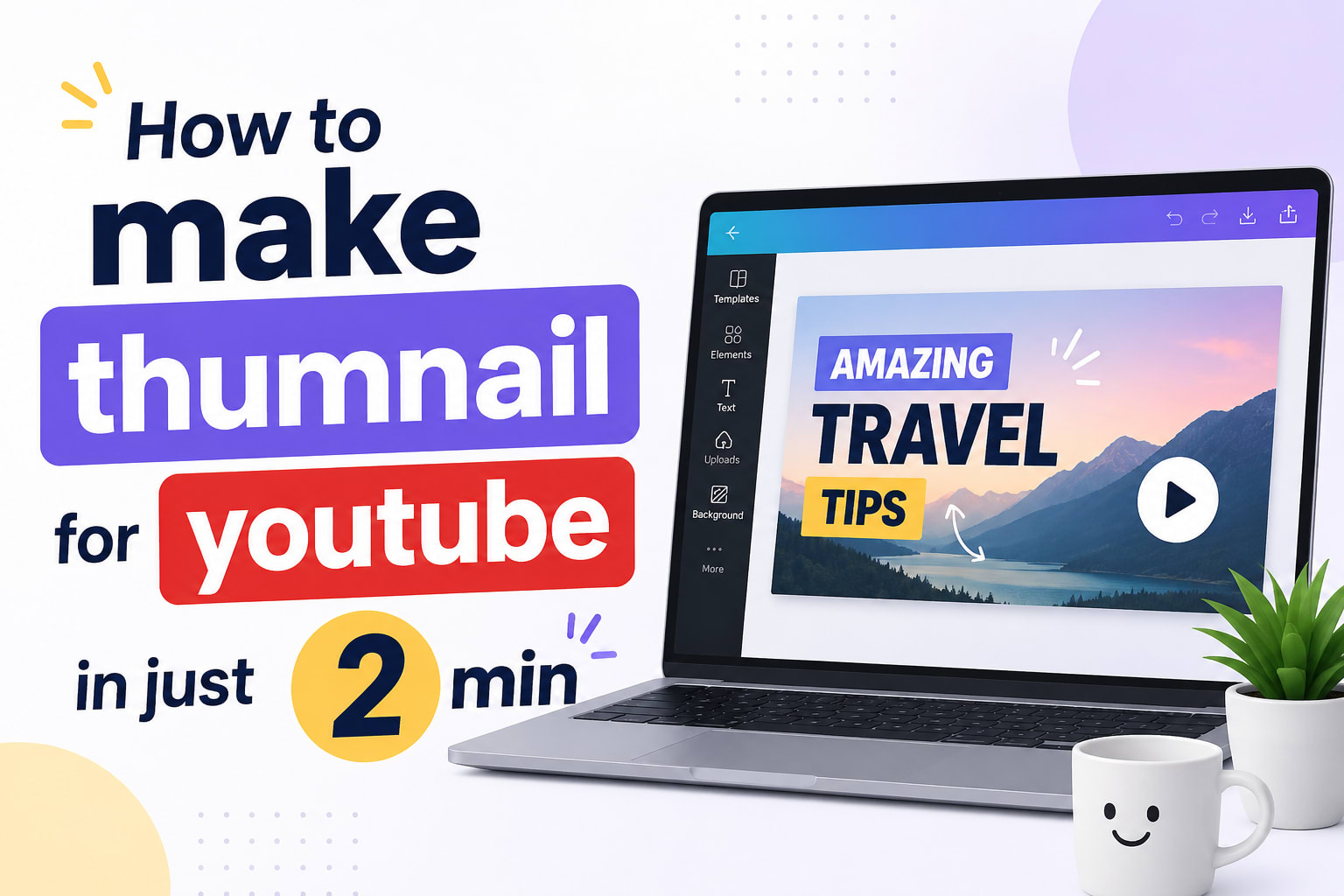
Telugu Youtube Thumbnail
please copy the below prompt and paste it on Chatgpt and make sure you change the [TITLE] block with your own video title and thats it, you will get high quality thumbnail
Copy-ready prompt
Reusable prompt
Create a professional YouTube thumbnail.

Requirements:
- 1280x720 pixels (16:9)
- Optimized for mobile viewing
- High CTR
- Clean, modern, professional
- Strong visual hierarchy
- High contrast
- Use contrast only where needed to improve readability and focus.
- One clear focal point
- Minimal clutter
- Large readable text
- Maximum 2-5 words

Thumbnail Strategy:
- Focus on curiosity, outcome, benefit, transformation, mistake, or secret
- Do NOT summarize the title
- Do NOT rewrite the title
- Do NOT create textbook or tutorial-style thumbnails
- The thumbnail should make viewers curious enough to click

Language:
- Use 60-80% English words and 20-40% Telugu words
- Use natural Telugu-English creator style (Tenglish)
- Prefer English for common YouTube concepts
- Use Telugu only for emotional or curiosity-trigger words
- Avoid full Telugu sentences
- Avoid pure Telugu typography blocks
- Choose whichever is most natural and clickable
- Do not force Telugu translations for common creator terms such as YouTube, Thumbnail, Shorts, CTR, Canva, AI, ChatGPT.. etc

Color & Mood Strategy:
Match the emotional tone of the topic.

If topic is:
- Calm → use soft blues, whites, light gradients
- Premium → use black, charcoal, gold accents
- Productivity → clean blue, white, teal
- Tech/AI → modern cyan, navy, subtle purple
- Success/wealth → premium dark tones, elegant contrast
- Lifestyle → warm natural colors
- Travel → vibrant but realistic colors
- Health → fresh green, white, clean lighting
- Motivation → energetic contrast
- Warning/mistake → stronger reds/oranges only when justified

Image Handling:
- If an image is attached, automatically determine whether it is a person/avatar image or a context image
- If it is a person/avatar, use it prominently
- Preserve identity while improving expression, confidence, eye direction, energy, and thumbnail presence
- If it is a context image, use it naturally within the composition
- If no image is attached, generate visuals based on the topic

Design Principles:
- Prioritize clickability over beauty
- Avoid excessive arrows, icons, stickers, badges, and decorative effects
- Avoid clutter
- The viewer should understand the main idea within 1 second

Professional Thumbnail Rule:

Do not create "AI-generated thumbnail syndrome".

Avoid:
- Excessive glowing effects
- Too many logos
- Too many icons
- Too many comparison panels
- Overloaded compositions
- Decorative objects that do not support the message

The thumbnail should feel like it belongs to a successful modern YouTube creator, not a promotional poster.

Thumbnail Text Priority:
1. Curiosity
2. Outcome
3. Transformation
4. Mistake
5. Secret

Generate a complete YouTube-ready thumbnail.

Video Title:
[TITLE]

(optional) Video Description:
[DESCRIPTION]
Watch Below Video to better idea and thank you for reading, happy to help if you face any issues, you can leave a comment down on youtube

